Accessible Smartphone: Validation Study for a new consept

UX Research
Accessibility
Prototype Testing
Inclusive Design
Type of Project:

Design Research

Overview

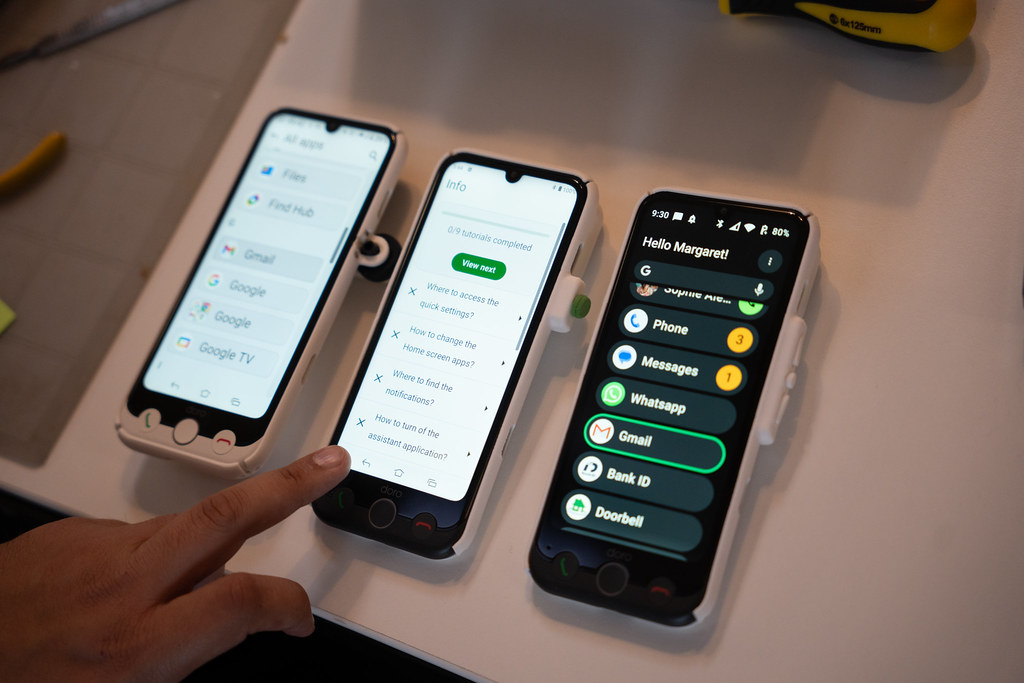
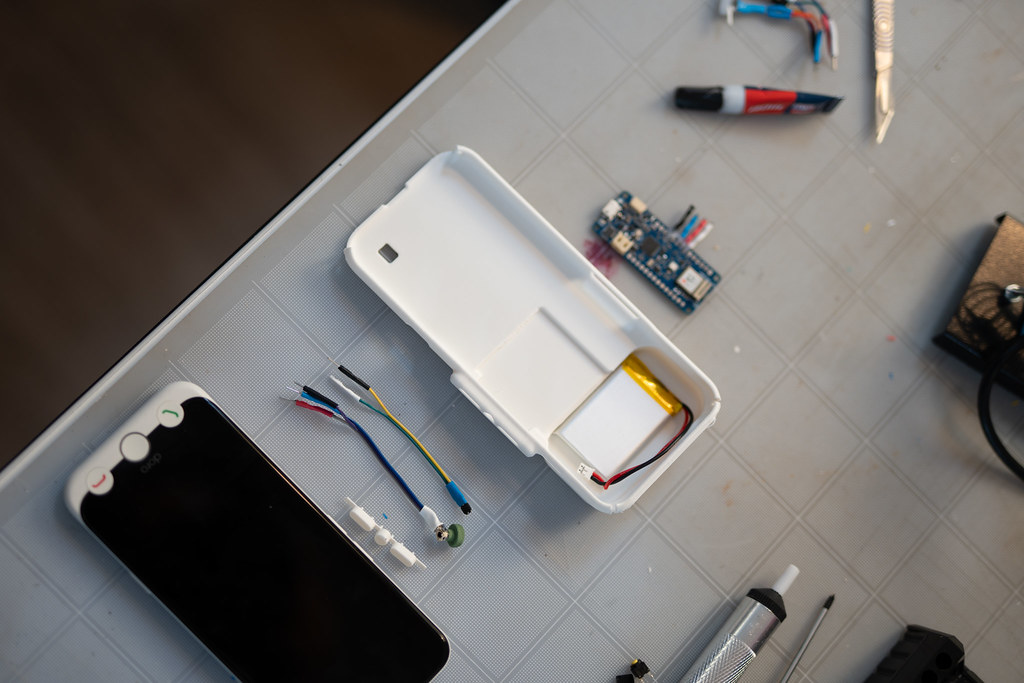
A pre-study explored how seniors with age-related physical limitations use their smartphones and how a new device could better support them. Six long-term smartphone users tested face buttons, side buttons, a scroll crown, an emergency button, dictation and a directional microphone concept. Results validated physical controls and defined clear design opportunities for each feature.
Process

The study applied a structured moderated usability protocol grounded in established testing practice.

  • Screened and recruited seniors with recurring usability challenges, including arthritis, hand injuries and reduced finger mobility.
  • Opened each session by mapping current phone habits: grip patterns, typing behavior and moments of discomfort.
  • Evaluated face buttons and a rear emergency button using renders and 3D printed models, without initially explaining their purpose.
  • Tested side-button and crown navigation prototypes, counterbalancing the presentation order between sessions to reduce bias.
  • Assessed dictation needs, preferred button placement and single-press activation behavior.
  • Probed hearing challenges and reactions to a directional microphone concept, including preferred access methods.
  • Synthesized observations and participant quotes into insights, opportunities and prioritized next steps.
outcomes

Physical controls emerged as the strongest direction for an accessible device.
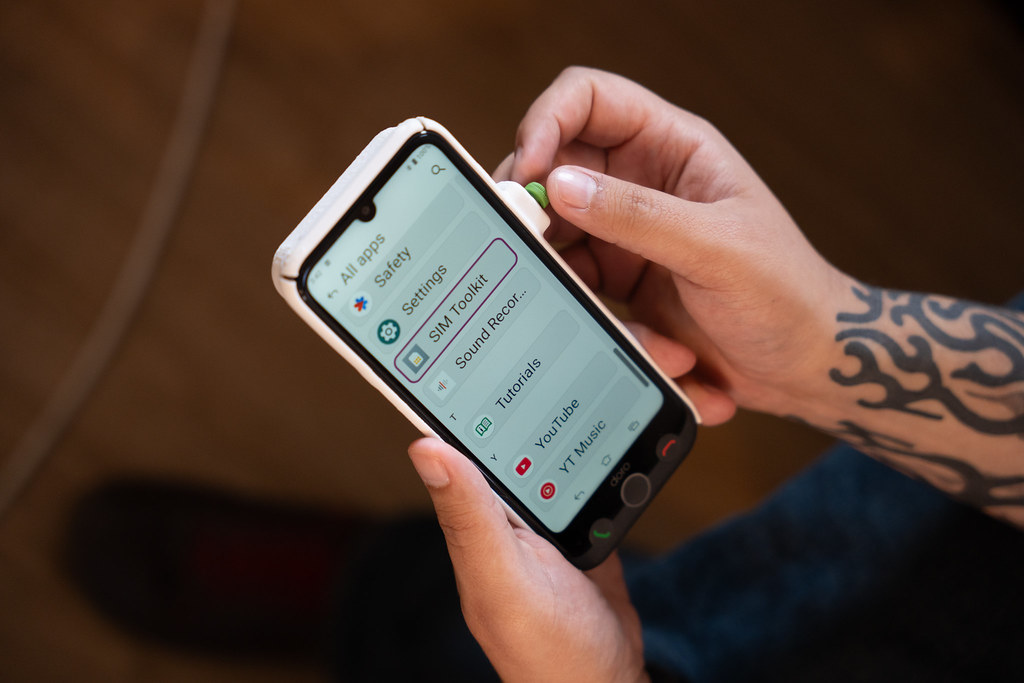
  • Face buttons were preferred for answering, declining and home navigation, with tactile feedback rated highly.
  • The recessed rear emergency button was strongly valued for safety and confidence in stressful situations.
  • Side buttons outperformed the crown for precision and control, particularly for users with arthritis.
  • A dedicated single-press dictation button was requested to bypass complex menus.
  • The directional microphone was seen as useful but app controlled, with no physical button needed.

Check out more projects

View Projects
View Projects